
How to Submit test at Hamzah Academy?
1. Go to the https://hamzah.academy and login with your credentials.

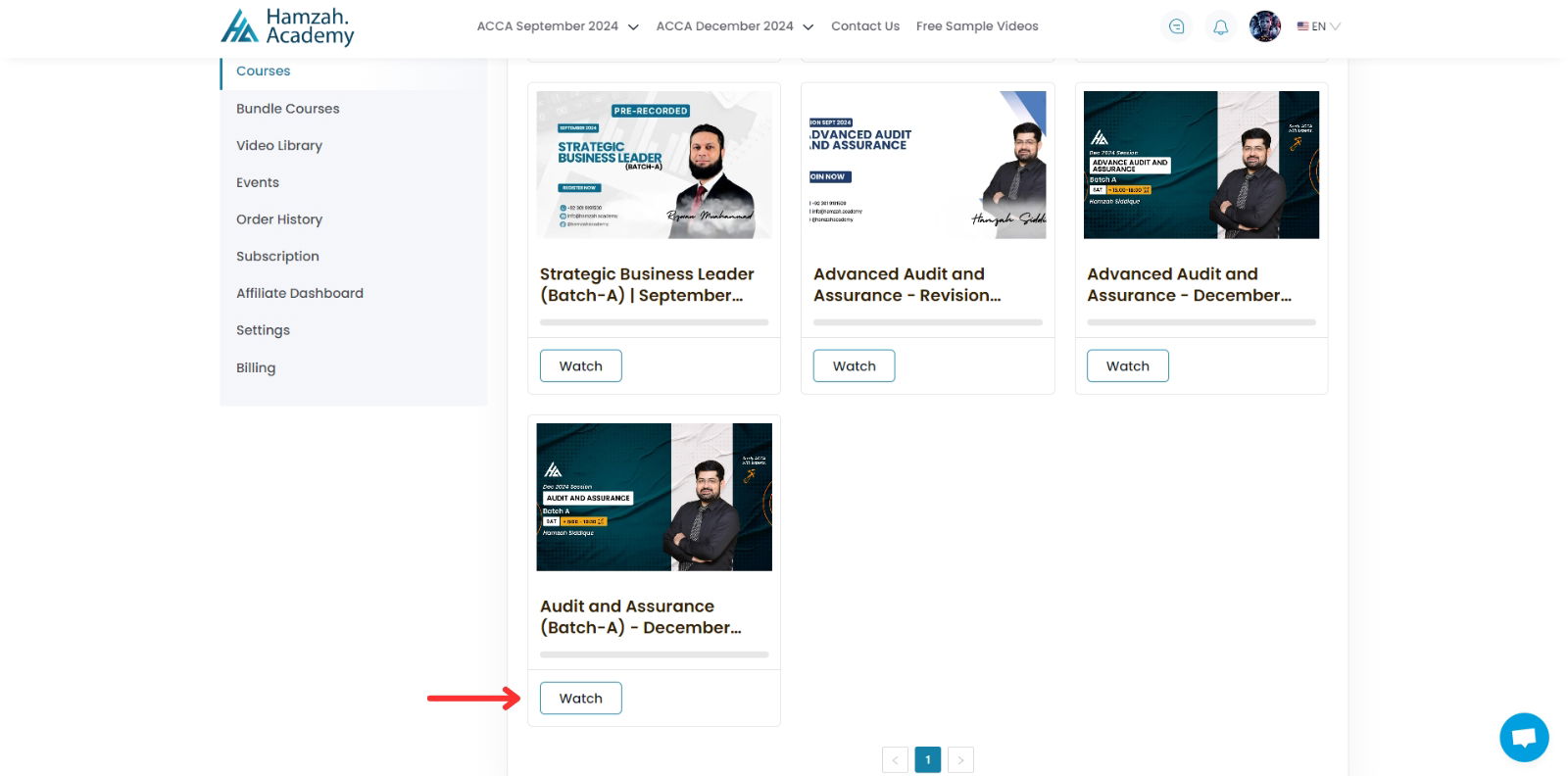
2. Click on your course that you have enrolled.
3. You will be able to access Your test from the left side of your dashboard. Once you click on the your test you will see the Start Button click on it and your test will be started.

4. Once you have click on the Start button the screen will show up like below Click on the correct field and Hit on the Submit button. Follow this method for your all MCQs.

5. Once you have done with all the MCQs make sure to Click on Complete & Continue. You Test Result will show up like the screenshot below on the Right Side of your dashboard.

How to submit the subjective test?
1. Click on the left side of dashboard to access the subjective test. Now you will be able to see to download the Subjective Test by clicking on Download you instruction. Download your test and write the answers accordingly.

2. In order to submit your test Click on Chose File and submit your file. And make sure your file in Word Document not in the PDF format.

If you still have any queries, click on the message icon at the bottom right to reach us.

Copyright © 2025 Hamzah Academy. All rights reserved.